Mindfulness · Android
A soft wooden fish for quiet taps
Tap or auto-tap with cute skins, prayer beads, and gentle knock sounds — a small ritual for slowing down
Get on Google Play
Free to start · Optional VIP via Google Play


A small ritual on your phone
Tap, dress the fish, keep a quiet sound — nothing crowded
01
Tap & auto-tap
Tap by hand, or let auto-tap keep a steady rhythm. Stop by count or timer.
02
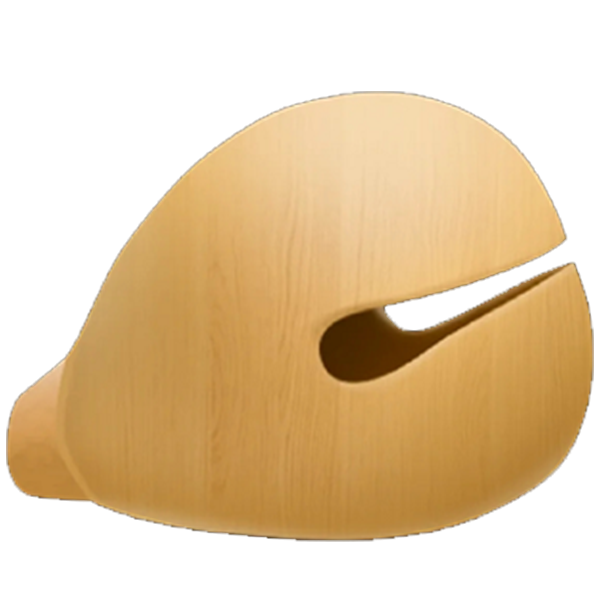
Skins & beads
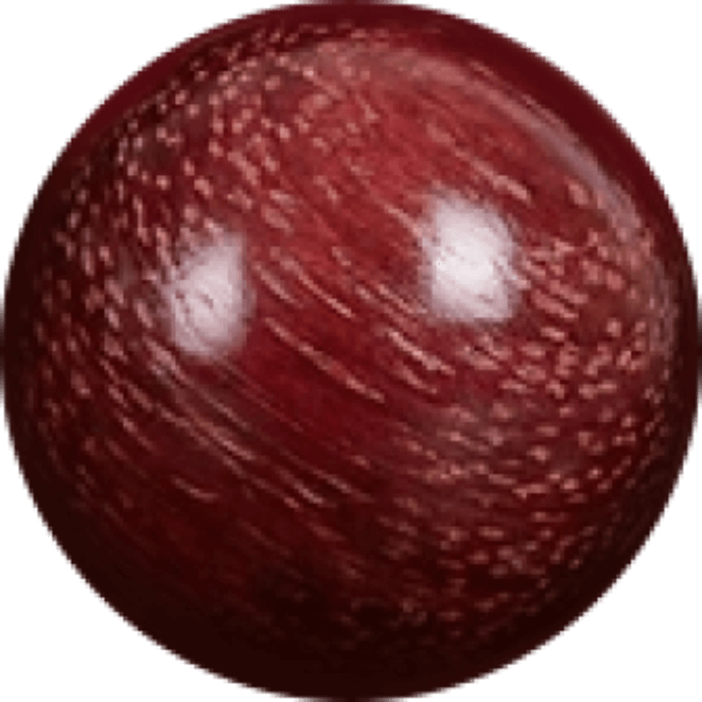
Dress the wooden fish and prayer beads so each session feels like your own corner.
Sound & calm
Soft knock SFX, optional vibe and floating merit text — a quiet soundtrack for mindfulness.
Three gentle steps
From install to your first soft tap
Install from Google Play
Get Wooden Fish: Calm Tap and open the app.
Pick a look & sound
Choose a fish skin, beads, and a knock that feels right.
Tap — or auto-tap
Start tapping, or let auto-tap run with a count or timer.
A few quiet notes
- Optional VIP can unlock extra skins and SFX and keep things ad-free — billed only through Google Play. This site never shows prices or takes payment.
- No public rankings. No account required. We do not claim cloud sync of your merit counts.
- Some immersive UI may ask for Android permissions you can review and revoke anytime in system settings.